Jazz piano practice app
Practice Jazz Piano Intros & Endings
Pivo Jazz Piano Intros & Endings Trainer
Learn how to start and finish a tune at the piano. Practice 10 intros and 10 endings in all 12 keys, with 240 scores in one browser app.
Give a tune a clear start and finish
An intro sets the key and tempo and leads into the melody. An ending tells the band where to finish and shapes the last impression. Practicing the same idea in several keys helps you hear how the chords work and adapt the pattern to another tune.
Two ways to practice
The app is available in English and Japanese and runs in your browser with no installation. Study Mode works without a MIDI keyboard.
Study Mode
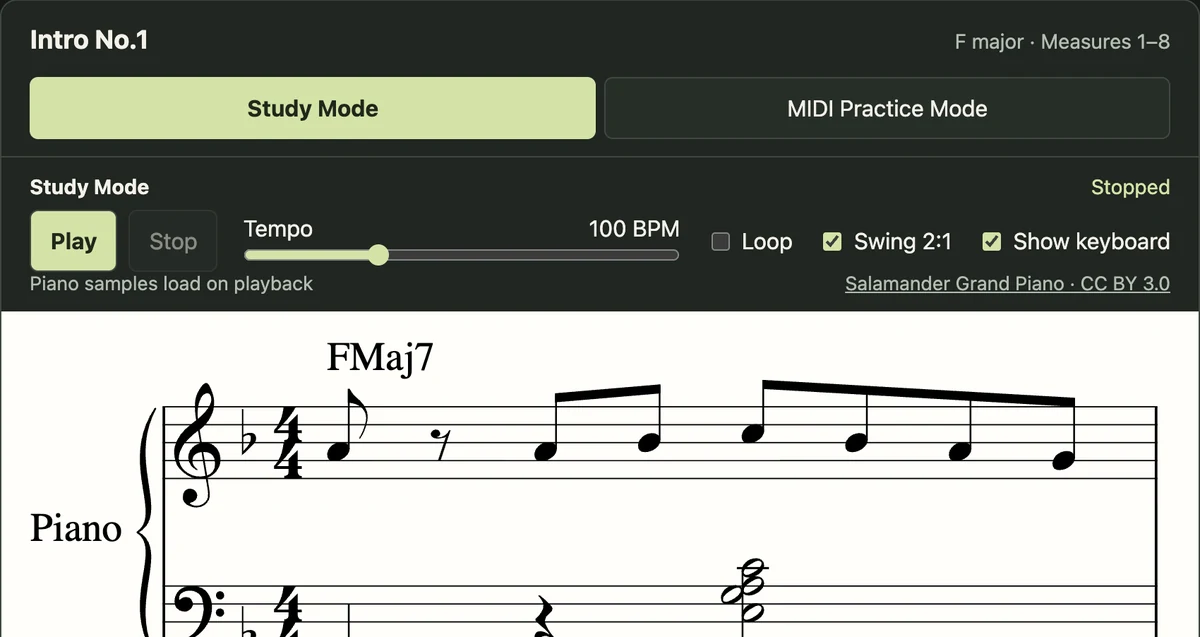
Follow the grand staff and chord symbols while you listen to the piano. Adjust the tempo, loop the pattern, or toggle swing to compare the feel.
MIDI Practice Mode
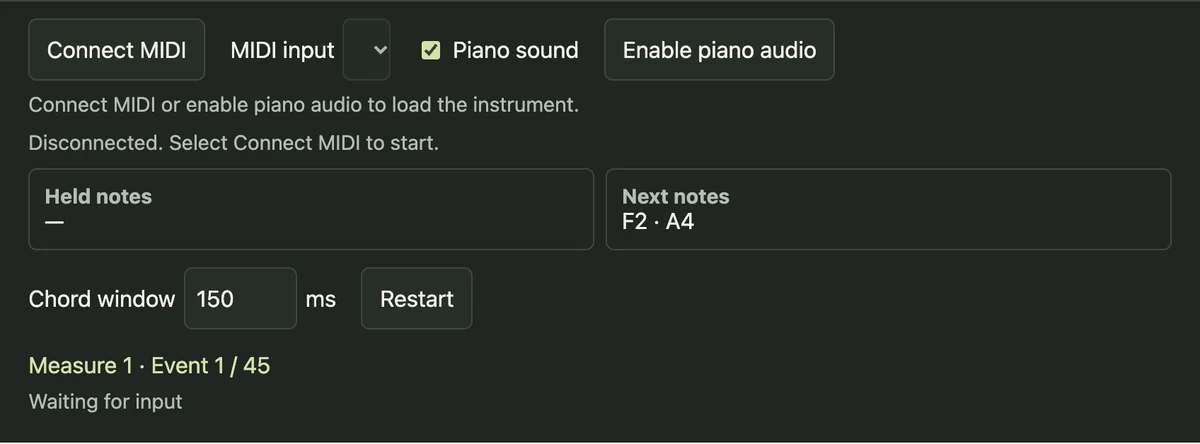
Connect a compatible MIDI keyboard to check the notes you play and see the next position on the score. Desktop Chrome or Edge with Web MIDI support is recommended. MIDI support varies by browser and device on phones and tablets.
What each plan includes
FREE
F-major Intro No. 1 and Ending No. 1. Try both practice modes.
Start practicing for freePRO is a one-time purchase in US dollars. Buy on Payhip and enter the issued key in the app. Your purchase unlocks the web app. It does not include a PDF sheet music collection.
Intros PRO
$19 USD
120 intro scores (10 in all 12 keys), plus the FREE ending.
Buy Intros PRO on PayhipEndings PRO
$19 USD
120 ending scores (10 in all 12 keys), plus the FREE intro.
Buy Endings PRO on PayhipComplete Bundle
$29 USD
120 intros and 120 endings. One key unlocks all 240 scores.
Buy Complete Bundle on PayhipLearn how the chord progressions work
Read the examples in the lessons, then hear and play the patterns in the app. Each lesson also links to the printable PDF material.
Find an intro or ending that fits your tune
Bring a tune you are working on to a Pivo Music School jazz piano lesson and try ways to open or close it.